

Guide
Firmware and identifiers
In the dashboardLocationsDeviceIdentifiers
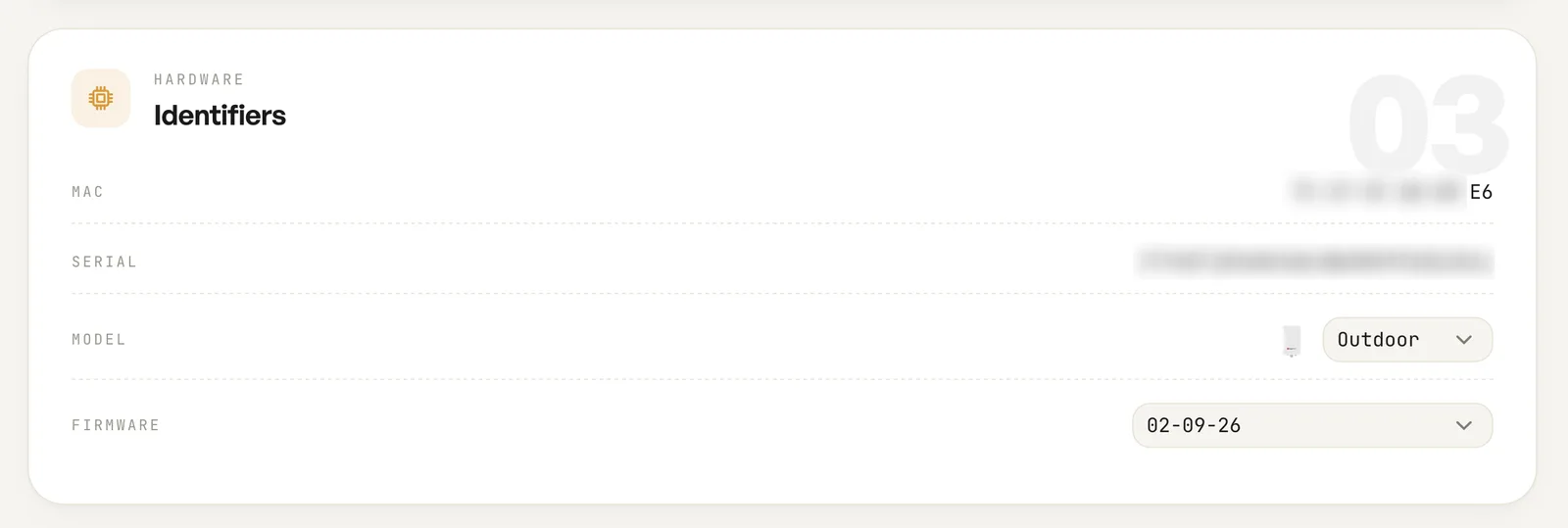
The identifiers card reports what the unit is. The MAC and serial come from the hardware itself and cannot be edited; model and firmware are shown as pickers rather than plain text.
MAC, serial and model
Section titled “MAC, serial and model”The MAC is the base address of the unit. The serial is printed on the unit and on the carton, and it is the value matched to your account at registration. The model line gives the hardware family and radio configuration.
Firmware
Section titled “Firmware”The firmware field shows the build running now. Firmware is delivered from the cloud, so a unit that has been online will be running the build this card reports.
RADIUS and the NAS ID
Section titled “RADIUS and the NAS ID”The NAS ID is the identifier the access point presents as the RADIUS NAS when it authenticates a guest session. It is what you match on when you read accounting records, or when you trace a session back to one radio, on one unit, at one venue.
The list is per ESSID rather than per device. Each guest network this unit broadcasts gets its own NAS ID, and each row carries a copy button so the value can be pasted into whatever is consuming the accounting data.
Fields
| Field | What it does | Default |
|---|---|---|
| MAC | The base MAC address of the unit. | Read only |
| Serial | The serial number, matched to your account when the unit was claimed. | Read only |
| Model | The hardware family and radio configuration, shown as a picker. | The model registered |
| Firmware | The firmware build on this unit, shown as a picker. | The build running now |
| NASIDs | One identifier per guest ESSID on this device, each with a copy button. | Assigned automatically |
Notes
- NAS IDs are assigned automatically. There is nothing to configure.
- A unit broadcasting three guest networks has three NAS IDs, one per ESSID.