

Guide
Redirect URL
In the dashboardLocationsNetworkWhere guests land
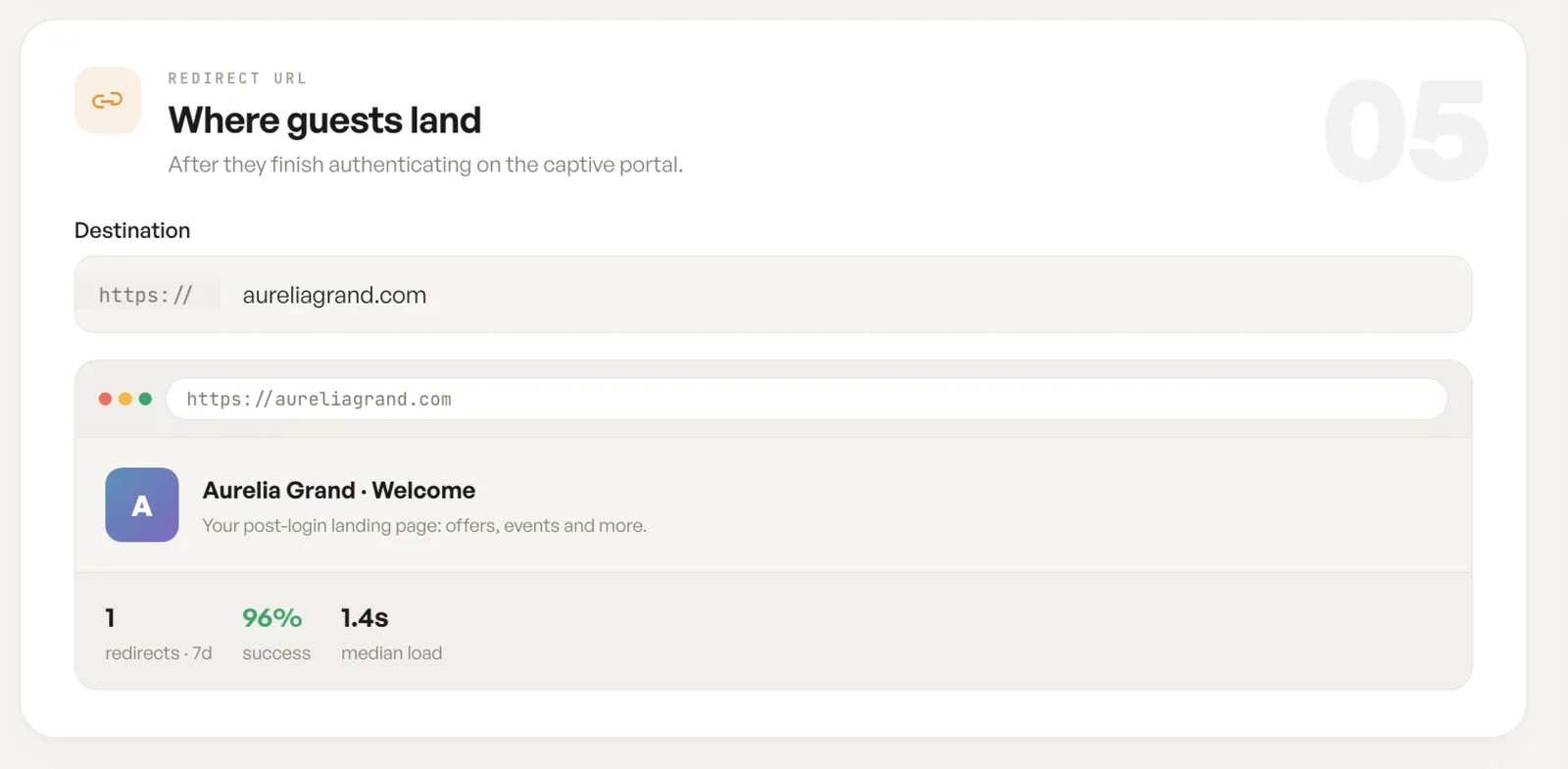
The redirect is the last step of the guest journey: where they land once they have finished with the captive portal.
The destination
Section titled “The destination”The destination is any address you own. A venue’s own site is the usual choice, because the guest has just agreed to something and arrives paying attention, which makes it the most valuable page view of the visit.
The preview shows the page as a guest will meet it, with its title and description, so a wrong or stale destination is visible here rather than after it has gone out.
Redirects, success rate and median load
Section titled “Redirects, success rate and median load”Three figures sit under the destination: how many guests have been redirected in the last seven days, the share that completed, and how long the page takes to load.
Median load is the one to watch. A guest arriving on a slow page has just been through a login, and a destination that loads slowly on a venue’s own uplink will be slower again on a phone.
Fields
| Field | What it does | Default |
|---|---|---|
| Destination | The address a guest is sent to once the login app is complete. | Empty |
| Preview | Shows the destination as a guest will meet it, with its title and description. | Read only |
| Redirects | How many guests have been sent to the destination in the last seven days. | Read only |
| Success | The share of those redirects that completed. | Read only |
| Median load | How long the destination takes to load for a guest. | Read only |
Notes
- The redirect applies to Guest Wi-Fi only. A Password network has no portal and no redirect.