

Guide
Ads on the portal
In the dashboardLocationsNetworkWhat guests see while connecting
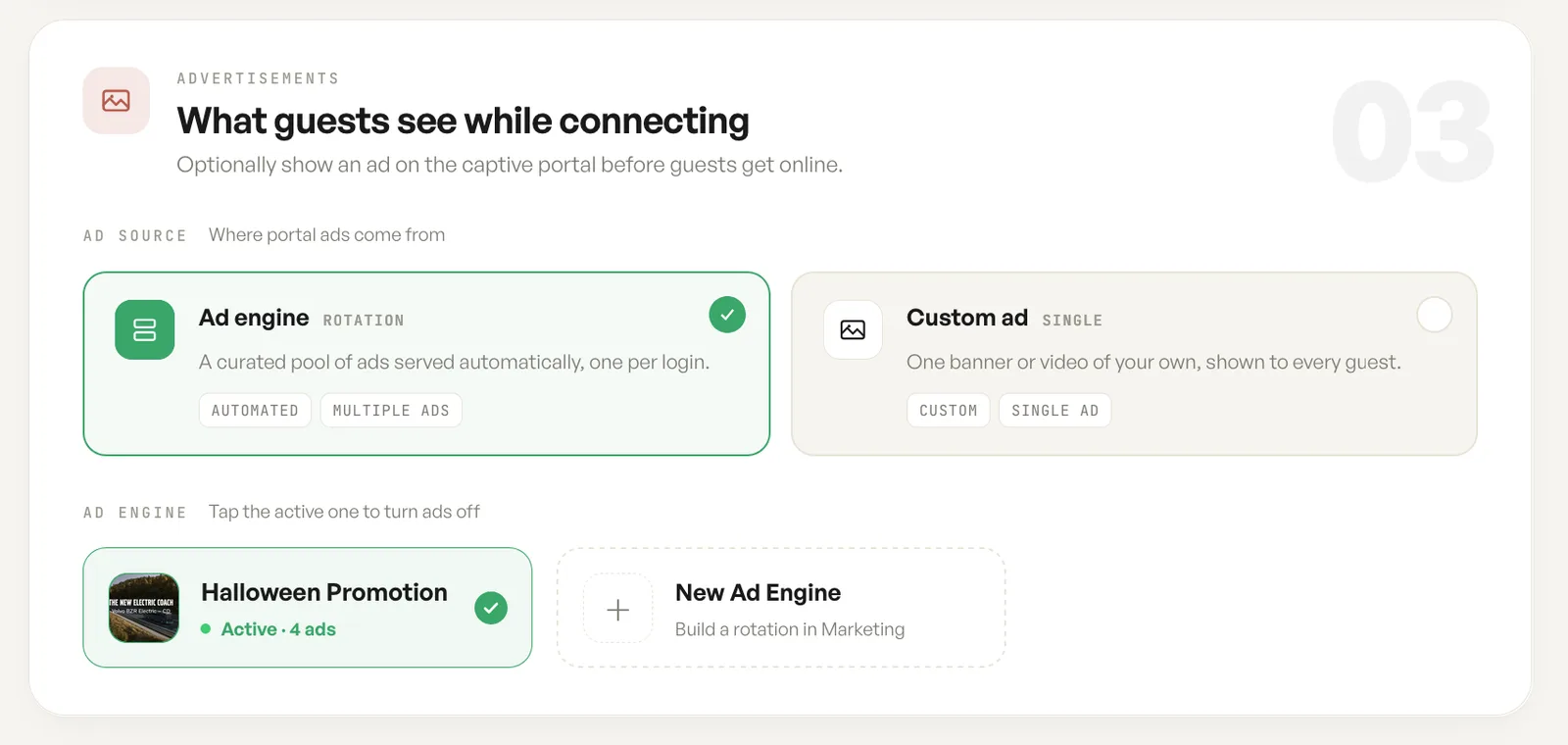
A guest waiting on the captive portal is looking at the screen, and this card decides whether anything occupies that moment.
An engine, or one ad of your own
Section titled “An engine, or one ad of your own”An ad engine is a rotation. It serves a curated set automatically, one ad per login, so a returning guest does not meet the same image every time.
A custom ad is a single banner or video of your own, shown to every guest. It is the simpler choice when there is one thing you want said, such as a menu, an event or a house notice.
The two are alternatives. Choosing one is choosing what the portal draws from.
Turning an engine on
Section titled “Turning an engine on”The engine list shows what is available to this network, with the active one marked and the number of ads it carries. Tapping the active engine turns ads off again.
Engines themselves are built under Advertisements in the dashboard sidebar, where the ads and their rotation are managed. This card is only the per network choice of which engine runs here.
Fields
| Field | What it does | Default |
|---|---|---|
| Ad source | Where portal ads come from: an ad engine, or a custom ad. | Ad engine |
| Ad engine | A curated set of ads served automatically, one per login. | None active |
| Custom ad | One banner or video of your own, shown to every guest. | Not set |
| New Ad Engine | Builds a rotation under Advertisements, which then appears in the engine list here. | Not set |
Notes
- Ads are optional. With no engine active and no custom ad set, a guest goes straight through.
- Engines are built under Advertisements. This card only chooses which one this network uses.